Googlebook's Better Together Features Begin Rolling Out to Samsung Phones
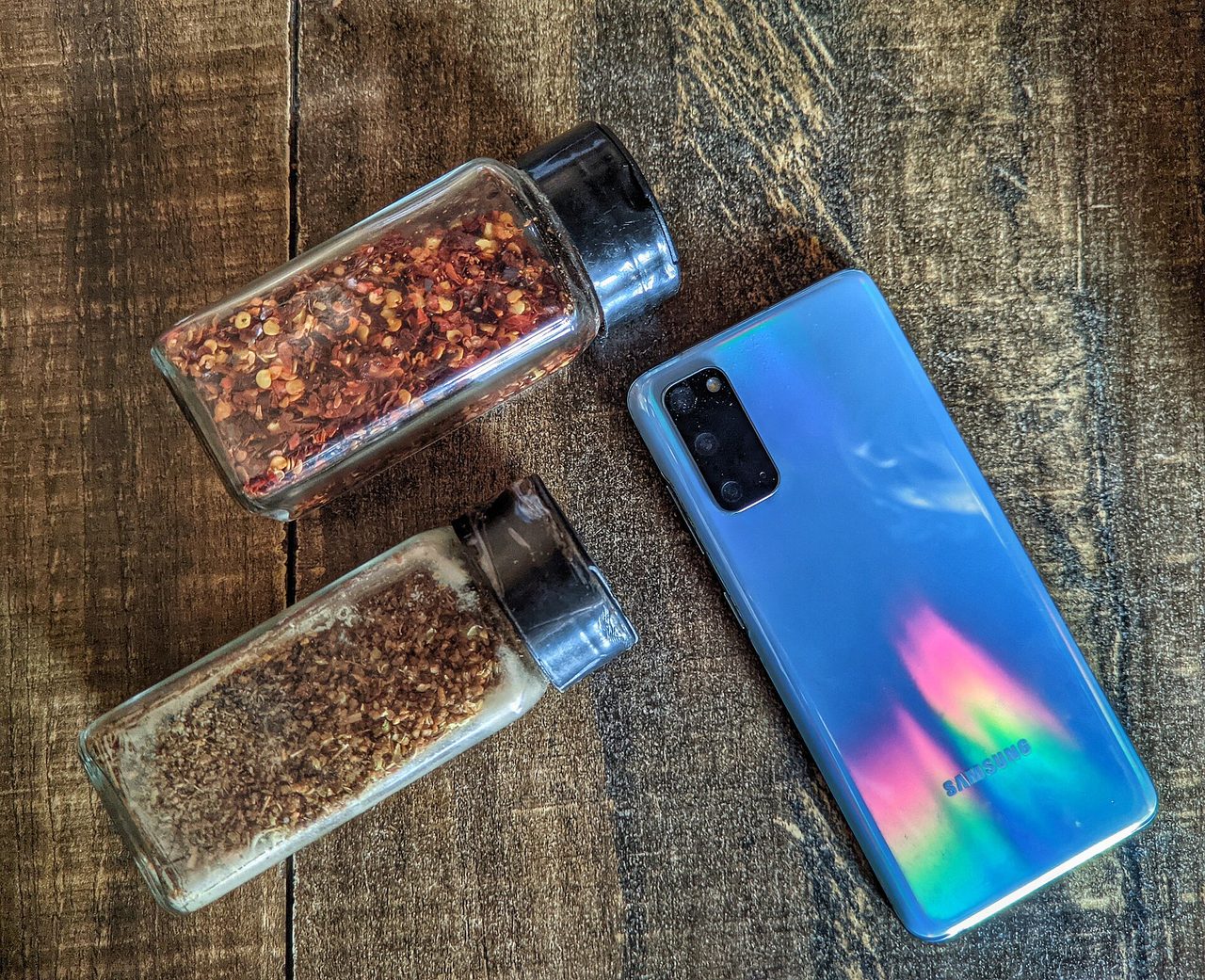
Photo: Danish971 / CC BY-SA 4.0 · via Wikimedia Commons
Google's new laptop line finally has something for the other half of Android. Mishaal Rahman, a Googler on the Googlebook team, announced today on the r/Googlebook subreddit that Better Together — Google's cross-device toolkit — is rolling out to Samsung phones running One UI 9 (Android 17), with a simpler first-time setup as a bonus. The post was first spotted by Droid Life.
Galaxy owners get the rollout first
Better Together is the feature set Google is using to sell Googlebooks, laptops built on top of Android that went on sale in the US on October 4. The pitch: your phone and your laptop behave as one machine. The toolkit has four headline pieces. Continue On lets you pick up on the laptop what you started on your phone. Cast My Apps opens your phone's apps in windows on the laptop. Quick Access puts phone content within easy reach on the Googlebook. Notification Sync keeps notifications in step on both devices. Beyond that, owners get instant hotspot tethering, Do Not Disturb sync, and direct access to files on their phone.
A rocky launch left Samsung out
The rollout matters because the launch didn't go the way Google pitched it. Early adopters reported on Reddit that even Samsung flagships running Android 17 — the minimum version the features require — could see their Googlebook but couldn't stay connected. One buyer said they returned the laptop after discovering it wouldn't work with a Galaxy Z Fold 8. Google confirmed at launch that Samsung devices weren't supported, telling buyers support would arrive "over the coming weeks." At that point Pixel phones were the only fully working option for proper phone-laptop integration.
Google beat its own timeline
Google is promising this update lands faster than that timeline suggested. The company says it arrives automatically over the next few days through Google Play and background service updates, installing fastest while the phone is on Wi-Fi and charging. The same update trims the number of steps in Cross-device services setup and fixes a timing bug where the setup QR code lingered on screen after pairing finished. Going from "coming weeks" to five days is a notably quicker fix than anyone expected.
How to get it working now
Impatient Galaxy owners can nudge things along. The requirements, per Google's post: the phone must run Android 17 — on Galaxy hardware, check Settings > About phone > Software information, since One UI 9 is the Android 17 build. Both devices must be signed into the same personal Google account, with Bluetooth and Wi-Fi on. Set it up on a home network; Google warns that hotel, cafe, office, and guest networks often block devices from finding each other, and VPN or DNS blockers should be paused during setup. Then update Google Play services to version 26.37 or newer and Cross-device services to 1.0.1346 or newer, turn on every Continue activity option — tasks, apps, notifications, files and media sharing — and restart both devices.
Samsung is just the start
Google says Better Together now works with Pixel phones and other Android 17 handsets from Samsung, Xiaomi, OnePlus, Motorola, Lenovo, and Sony. Closing the Samsung gap in a week rather than "weeks" suggests Google heard the launch-week complaints loud and clear — for a laptop billed as the machine for Android users, leaving out the world's biggest Android phone maker was never going to fly. For prospective buyers still on the fence, now is finally a fair time to judge the Googlebook's cross-device pitch.
Sources
- SammyGuru
- 9to5Google
- Android Police
- Techaeris
- Tech Times