Your TV Doesn't Need AI to Get Dumb. It Needs New Settings.
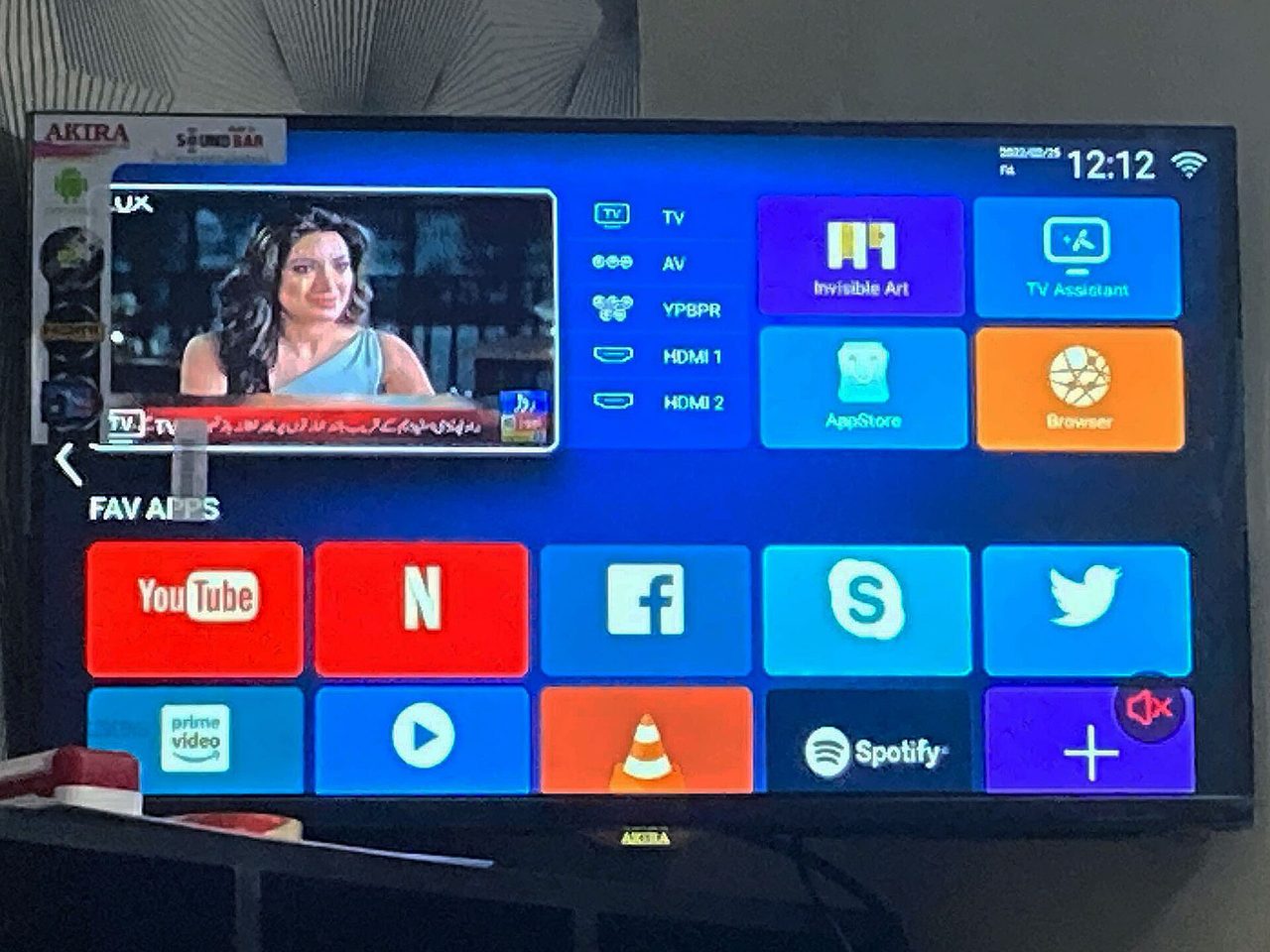
Photo: EverrrHong / CC BY 4.0 · via Wikimedia Commons
Your TV Doesn't Need AI to Get Dumb. It Needs New Settings.
An AI Debloat Craze Shows How Annoyed People Are
A developer got tired of the ads on his parents' TV, pasted a prompt into Claude Code, and let the agent clean up the set over Wi-Fi. He put the prompt on GitHub, posted before-and-after screenshots, and within two days a few thousand people had done the same to their own TVs, covering Xiaomi, TCL, Sony, Fire TV, LG sets and even a projector or two, according to TechCrunch. The project, called cleanyourtv, backs up the package list, disables ad and telemetry packages instead of uninstalling them, and installs a minimal Apple TV-style launcher. PCMag's response: you do not need AI for any of this. A few manual settings do the job.
ACR Watches Everything, Even Your HDMI Inputs
The real issue is not the cluttered home screen. It is Automatic Content Recognition, or ACR. The feature captures screenshots intermittently, as often as a few times per second, fingerprints what you watch, and uploads it for targeted advertising or sale to data brokers, according to How-To Geek. That tracking covers content coming through HDMI inputs such as a PS5 or an Apple TV, not just built-in apps. It is on by default, consent is implied, and the company profits quietly from everything you play.
Turn Off the Right Switches on Each Brand
Every major brand hides its opt-outs in a different menu, but reporters have now mapped them. On Samsung sets, go to Settings, All Settings, General and Privacy, Terms and Privacy, and switch off Viewing Information Services and interest-based advertising. On LG, switch off Live Plus and enable Limit Ad Tracking. On Vizio, go to Settings, All Settings, Admin and Privacy, and turn Viewing Data off. On Roku TVs, go to Settings, Privacy, and turn off Smart TV Experience and Use info from TV inputs. On Fire TV, go to Settings, Preferences, Privacy Settings, and turn off Automatic Content Recognition, plus Device Usage Data and related collection, according to PCMag and Engadget. While there, delete apps you never use.
Go Offline and Let a Separate Box Do the Streaming
The official caveat matters: turning off ACR stops fingerprinting, but it does not take the TV offline. Consumer Reports puts it bluntly: you cannot stop all collection without disconnecting the set from the internet. So the most thorough version of a dumb TV is an offline TV. Disconnect Wi-Fi and Ethernet, skip the TV's own apps, and play everything through an external box. One How-To Geek writer switched a Google TV to basic mode, which leaves only live TV plus external devices, with no Assistant and no personalization. Another spent 50 dollars on a Raspberry Pi as the player, keeping the panel fully offline and immune to surprise firmware updates that reset settings. Recheck privacy menus after big updates, which sometimes bring consent screens back.
Ads Are the Business, So Check Back Often
TV makers have a strong reason to keep sets smart. Engadget notes that Vizio's Platform+ business, covering its free TV channels, ads and sponsorships, made 598 million dollars in 2023. Cheap hardware is subsidized by later advertising and data revenue. Expect two tracks ahead: AI debloat scripts such as cleanyourtv and dumbtv keep spreading among Android TV, Google TV and Fire TV owners, while vendors keep burying ads deeper. For most viewers, the manual route is enough: kill ACR and ad options, disconnect the panel if you use an external player, and revisit the menus twice a year.
Sources
- PCMag UK: You Don’t Need AI to Dumb Down Your Smart TV. Do This Instead
- TechCrunch: People are using AI to make their smart TVs dumb again
- Pocket-lint: I turned my smart TV into a dumb TV, and I regret not doing it sooner
- How-To Geek: My Google TV was tracking me, so I turned it into an offline "dumb TV"
- Engadget: Your Smart TV Has One Big Problem: It's Tracking What You Watch