Microsoft Corporation unveiled the Windows Resiliency Initiative at its Ignite 2024 conference in Chicago on November 19. The security overhaul is the company's response to the global IT disruption in July 2024, an outage that came from a defective CrowdStrike sensor update. The initiative introduces automated recovery tools, including Quick Machine Recovery, and technical specifications that move third-party cybersecurity and endpoint protection agents from kernel space to user mode.
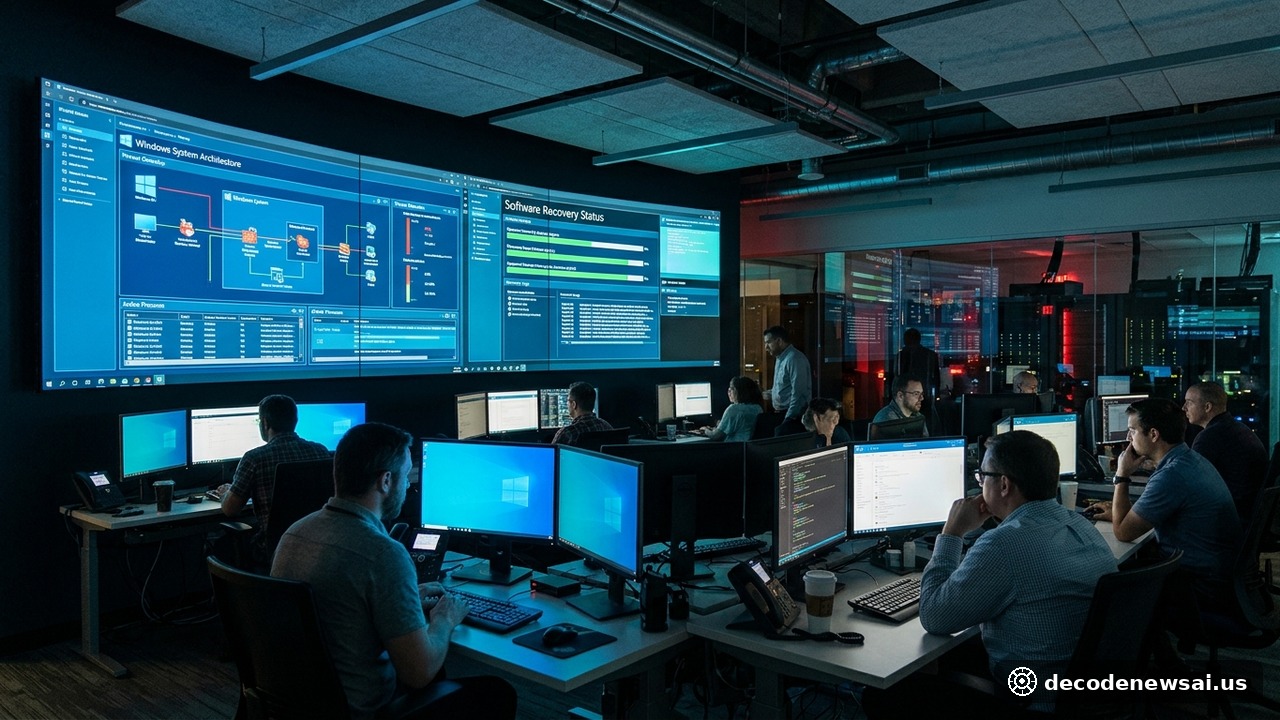
The push for automated remediation stems from the July 19 outage. A flawed channel update for CrowdStrike's Falcon Sensor crippled about 8.5 million Windows devices worldwide. The machines fell into blue-screen-of-death (BSOD) bootloops and crashed before launching operational networking stacks. System administrators had to reach each machine physically, boot into Safe Mode, and manually delete the defective file. Quick Machine Recovery enhances the Windows Recovery Environment (Windows RE), letting offline machines establish targeted network connections that download remediation scripts without manual intervention.
Microsoft is redesigning the operating system interface between security vendors and core system components. It is collaborating with security partners across the Microsoft Virus Initiative (MVI), including CrowdStrike, Sophos, Trend Micro, and ESET, to build a specialized endpoint security platform outside kernel mode. David Weston, Microsoft Corporate Vice President for Enterprise and OS Security, outlined the architectural vision in a technical keynote. Running endpoint detection and response (EDR) agents in user mode has a clear effect: an unhandled software crash or memory access fault inside a security sensor cannot destabilize the host operating system.
The framework also incorporates Administrator Protection, a Windows 11 feature that separates standard user processes from administrative privileges, creates temporary, isolated administrative tokens, and requires explicit biometric authentication via Windows Hello for each privileged task, such as driver installation.