Googlebook reviews are in: Android on a laptop is still Android
The OS reports itself as Android 17
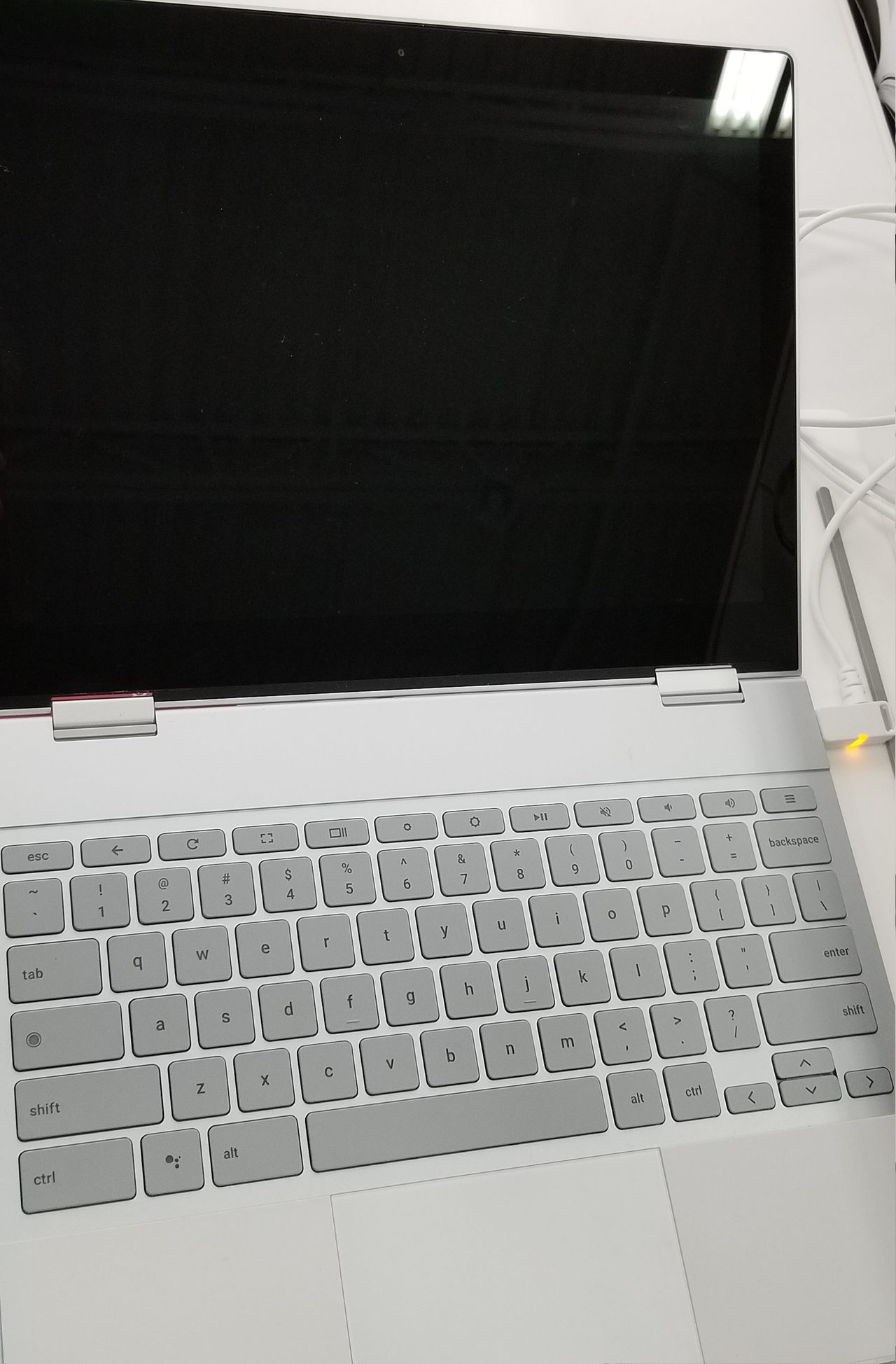
Googlebook OS is the Android stack bolted onto ChromeOS desktop foundations. PCMag found that benchmark tools list the operating system simply as "Android 17", and Expert Reviews calls it a desktop build of Android 17. Ars Technica's verdict is blunter: sometimes it feels like a Chromebook, sometimes like a giant phone, almost never like a premium laptop, and that is the problem. 9to5Google titled its October 12 OS review "It's Android, stupid."
Google: the web version is the best version
Gmail, Docs, Calendar, Sheets and YouTube all run as web experiences rather than their Android apps (Android Authority, 9to5Google), with YouTube and YouTube Music shipped as Trusted Web Activities distributed through the Play Store. Mishaal Rahman, a Google developer advocate, told Reddit users the company wants users to get the "best version" of its apps, arguing the full desktop web experience is the gold standard for Docs, Sheets and Gmail after two decades of browser optimisation. Google also notes that 70 percent of laptop time is spent in a browser, and leaves the app-or-web call to developers (9to5Google, Android Headlines). Critics say that messaging undercuts a Play Store pitch built on millions of apps (WebProNews).
Most apps are still phone-shaped
The Play Store now sorts apps into five desktop labels: Made for desktop, Optimized for desktop, Compatible with desktop, Better on the website and Built for mobile. The Verge's reviewers found almost nothing outside core Google apps that qualifies as "Made for desktop", plus windows that blank out while resizing and inconsistent keyboard and mouse support (The Verge).
Phone pairing is the hook and the sore spot
A Linux VM for AI agents, not for apps
On October 12 Google opened its Googlebook Linux Terminal Preview: a Debian environment inside an isolated virtual machine with apt, git, ssh and Node.js, Python, Ruby, Go and Rust, localhost port forwarding, folder mounts only after explicit permission and a one-click VM reset. Google frames it around building with AI agents such as Antigravity rather than running Linux apps (Android Authority, Chrome Unboxed). The roadmap lists Linux GUI apps in the launcher, USB passthrough and ADB debugging, dynamic memory and storage scaling, GPU/NPU acceleration and VM persistence — with no dates attached (9to5Google, rrtechpulse).