Xbox Previews Two New Cloud Gaming Controls: Phones as Gamepads and Wi-Fi Direct for Nano
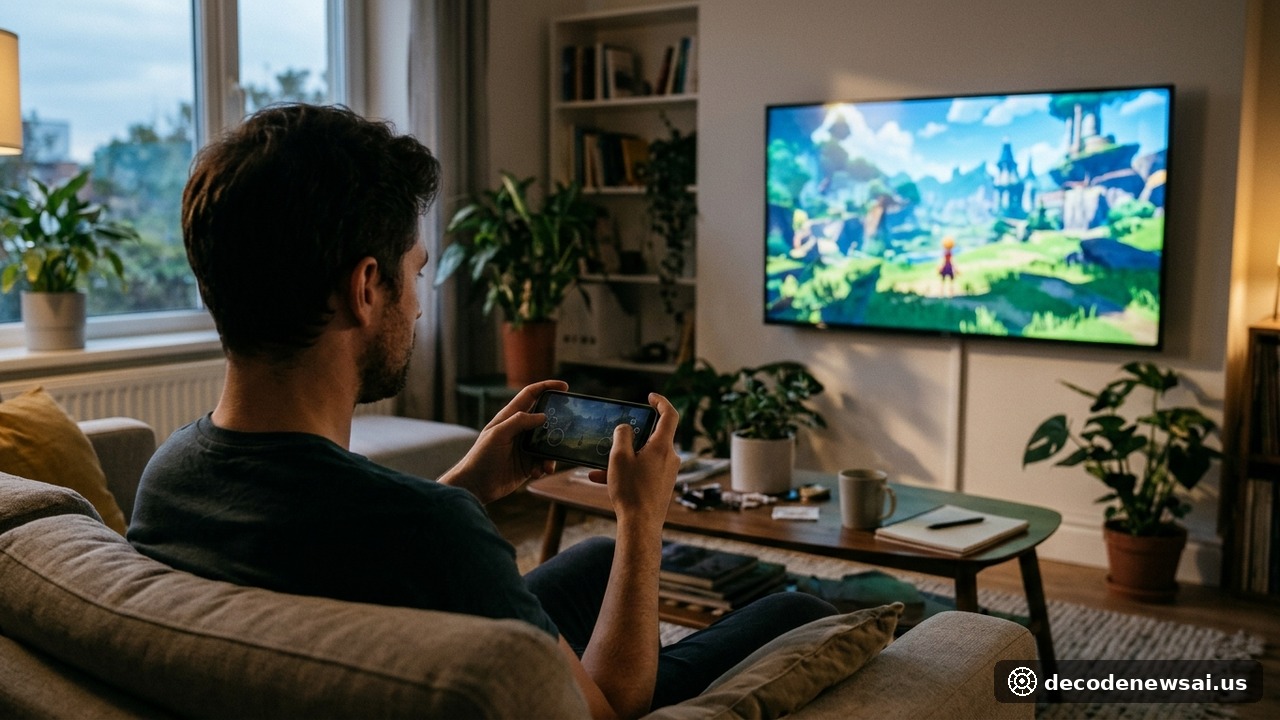
Microsoft announced two new Xbox Cloud Gaming previews on November 4, giving players additional ways to control streamed games on televisions and the web. On supported smart TVs, an Android phone or iPhone can serve as a controller through a browser-based interface. In the United States, players can also test Cloud Connect on the Xbox Nano Controller, a feature that uses Wi-Fi to link the controller directly to the cloud server running a game rather than routing input through a television over Bluetooth.
Both features are experimental. Microsoft says supported devices, games and experiences may be limited while it gathers feedback.
A phone can become the controller for a TV game
The first preview is designed for players who want to start a cloud game on a supported smart TV but do not have a physical controller nearby. When a player launches an eligible game without a controller connected, the TV experience can offer the option to use a phone instead. The player scans a QR code displayed on the television, then opens a virtual control interface in the phone’s browser.
Microsoft says users do not need to install a separate controller app. Some games will also receive touch layouts tailored to their particular play styles, rather than relying on one generic arrangement of virtual buttons. The feature is rolling out on supported smart TVs in countries where Xbox Cloud Gaming is available.
To try it, users must enable Preview Features under Settings and Account in the supported smart-TV experience. The phone option appears when a game is launched without a physical controller connected. Microsoft has not published a complete list of supported television models or games, so availability should not be assumed across every device or title.
Cloud Connect sends Nano input directly to the cloud
The second preview is called Cloud Connect and is currently available to players in the United States using the Xbox Nano Controller. In a conventional smart-TV cloud-gaming setup, a controller typically connects to the television or another local device over Bluetooth. That device then forwards the input to the cloud gaming service. Cloud Connect changes the route: the Nano Controller uses Wi-Fi to connect directly to the cloud server running the game.
Microsoft says the approach can help reduce input latency and make gameplay feel more responsive. It has not, however, published measured latency improvements or promised a particular performance gain. The company describes Cloud Connect as an early test and warns that it does not yet work with every cloud gaming experience. For now, supported smart TVs and web experiences are among the places where players can try it.
Setup requires the Xbox Beta app on Android or the Xbox Accessories app on a PC. Players connect the Nano Controller to their Wi-Fi network through the setup process. Those using the PC app must be enrolled in the Xbox Insider program. Once configured, the controller connects when the player opens a supported Xbox Cloud Gaming experience and signs in with the same Xbox account used during setup.
The two previews have different availability rules
Although Microsoft announced both features on the same day, their geographic availability is not identical. The phone-as-controller preview is rolling out on supported smart TVs in countries where Xbox Cloud Gaming is offered. Cloud Connect for the Nano Controller is being previewed in the United States. Both require compatible devices, and Microsoft cautions that supported games and experiences may be limited.
The Verge, Engadget and Windows Central described the Nano’s direct Wi-Fi connection as a notable capability that had not been prominently presented before the official announcement. Coverage of the phone feature has focused on its convenience: a household can begin a supported TV game without first finding or pairing a dedicated gamepad. The browser-based interface also avoids requiring another phone app.
Microsoft has not announced when either preview will leave testing, whether the features will expand to additional hardware, or whether Cloud Connect will eventually be supported by other Xbox controllers. The company is asking users to submit feedback through the preview experience and its Xbox apps.
Lowering friction is part of the cloud gaming race
Cloud gaming depends on more than server capacity and broadband speed. The controller, the local connection and the time required for input to reach the game all shape how responsive a streamed title feels. Turning a phone into a TV controller reduces the need for dedicated hardware, particularly for occasional play or households that do not keep a gamepad beside every television. Its usefulness will still vary by game: touch controls may work well for some genres but feel awkward for games requiring precise movement, rapid aiming or complex button combinations.
Cloud Connect addresses a different problem. By connecting the controller directly to the cloud server over Wi-Fi, Microsoft is trying to remove a local Bluetooth hop from the input path. That could help reduce latency, but real-world results will depend on network conditions, server distance, device support and the game itself. The company has not released benchmark results, so claims of a guaranteed improvement would be premature.
The Nano Controller is positioned as a compact controller, but the new cloud feature adds a more specialized role to that hardware. For now, it remains a preview rather than a universal replacement for Bluetooth pairing. The next questions are whether Microsoft can broaden device and game compatibility, whether players notice a meaningful response improvement, and whether direct-to-cloud connectivity becomes a standard part of future Xbox controllers.
🛒 Check it out on Amazon: Xbox Series X
Check the price on Amazon →Affiliate disclosure: purchases through this link may earn us a commission at no extra cost to you.
本文来源
- Xbox Wire:Preview Two New Ways to Play with XBOX Cloud Gaming
- The Verge:Xbox previews two new ways to control cloud games
- Engadget:Xbox is testing two new controller options for Cloud Gaming
- Windows Central:Microsoft officially unveils 'Cloud Connect' for the Xbox Nano Controller, alongside a wild new phone controller feature for Smart TVs
- Pure Xbox:Xbox Announces Two New Methods To Play Games Through The Cloud